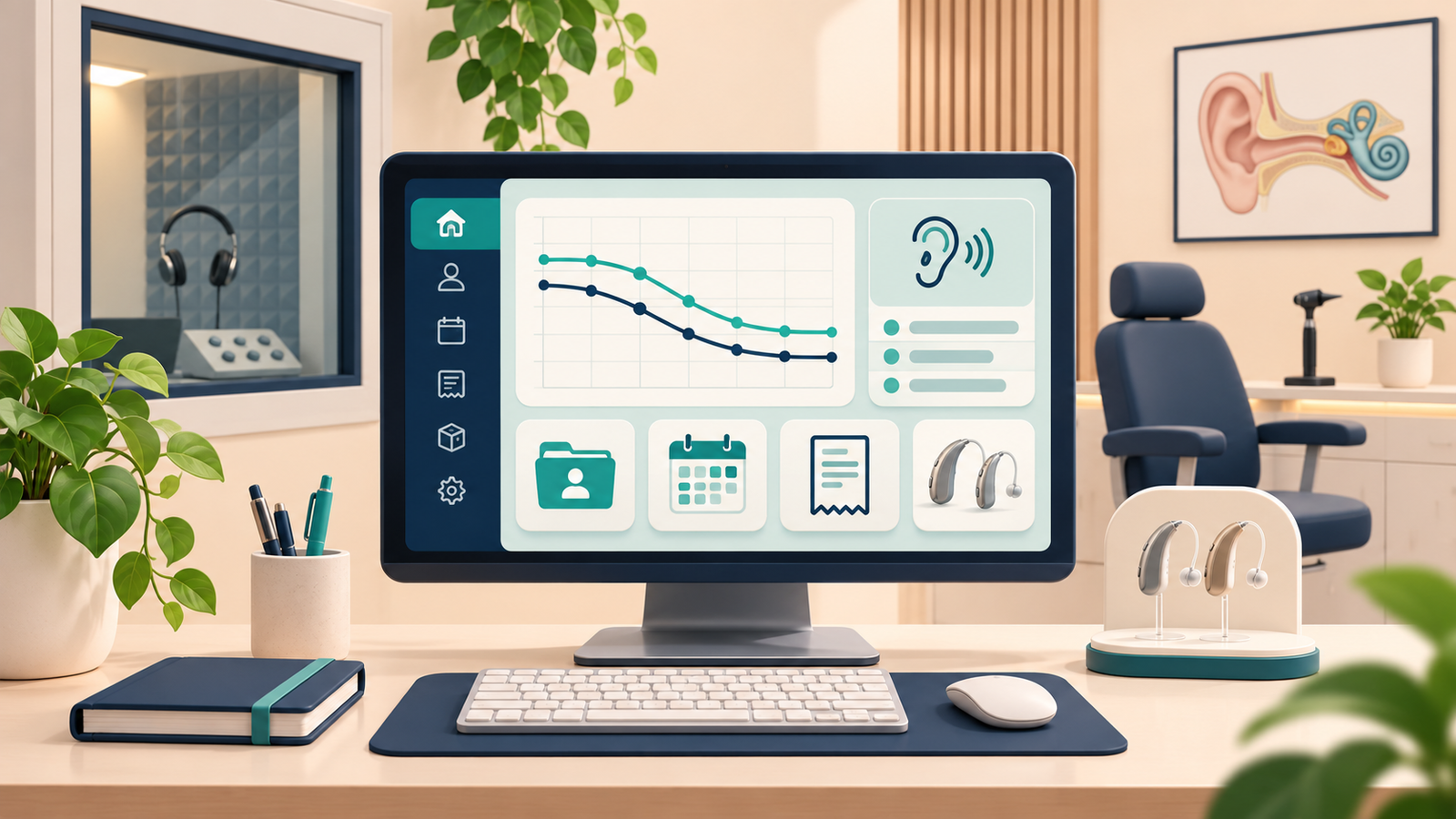
If you run a hearing or speech clinic in India, the work is larger than the test: the file you cannot find, the PTA report still in a Word template, the stock book that does not match the aid you have just fitted, and the unpaid bill you remember only when the patient returns. Clinic management software can keep the record, appointment, audiogram, invoice and, if you dispense, the device in one place. This is a buyer’s checklist for Indian audiologists and clinic owners. It is not legal or tax advice, and no product by itself makes a clinic compliant.
Why Indian clinics outgrow notebooks and spreadsheets
Paper, WhatsApp and Excel can work when the caseload is small and one person remembers everything. They become harder to manage when the same patient has a test, a trial and a follow-up recorded in different places; when more than one clinician needs the file; when you need a clear report for an ENT or insurer; or when you cannot quickly see unpaid bills, tomorrow’s appointments or stock on the shelf. Software helps when it follows a clinic’s workflow rather than a generic hospital or dental template.
What clinic management software should do in a hearing clinic
A useful system should let your team register or find a patient, book and close an appointment, save history and results against that visit, generate a report, link a trial or serial number if you dispense, and raise a bill you can track. If it stores a name and phone number but cannot hold an audiogram, it may be only a contact book. If it draws an audiogram but cannot support billing or stock, you may still need a second system.
A practical features checklist
Ask the vendor to demonstrate each item with a sample patient, not only a slide.
Patient records and case history
Look for one file per patient, searchable by name, phone or file number, with contact details, referral source and a brief history linked to visits, tests, reports and bills. If you see children or older adults, check whether a caregiver contact can be stored. Avoid systems that create a new customer record every time the same person books again.
Audiograms and clinical reports
This is where generic software can fall short. Ask whether you can plot a pure-tone audiogram—air and bone, masking and speech—as you actually work; which report types are included in each plan (for example, PTA, impedance and speech); and whether options such as OAE or ABR require a different plan. Check that you can print a clean report on clinic letterhead and reopen an older one without hunting through PDFs. If the vendor only offers a box for a scanned form, you have photographed paper, not replaced it.
Appointments, billing and inventory
The calendar should let you book, reschedule and see the day at a glance, including aid reviews, trial-end dates and retests. If more than one clinician works in the clinic, ask about individual logins.
For billing, check that you can invoice professional services and, where needed, list a device or accessory separately, with your clinic name, GSTIN if applicable, and a tax breakdown where required. GST treatment can depend on the supply and the clinic’s circumstances. Ask a chartered accountant to confirm your position, including any registration requirements, before relying on a software invoice. You can also review the relevant CBIC guidance on health-care services.
If you dispense, check that you can see stock, record a trial or sale against a patient, and keep a device serial number. If speech-language work is part of the practice, session notes and goals should sit on the same file as the audiogram.
Staff access, backup and a way to leave
Ask who can see a file, and avoid one shared reception password. Find out how backups work and how you can export your data if you stop using the product. A vague answer is a risk, not a detail.
Data privacy and India’s DPDP Act
A clinic may hold names, phone numbers, ages, test results and sometimes images or a child’s hearing history. When this information is stored digitally, ask how it is protected and who can access it.
India’s Digital Personal Data Protection Act, 2023 and the Digital Personal Data Protection Rules, 2025 have phased commencement dates. The Government’s November 2025 notifications schedule many core provisions of the Act to begin 18 months after publication—13 May 2027—while some provisions have different dates. Check the latest MeitY notifications and enforcement timeline before relying on a date. This is general information, not legal advice.
When comparing software, ask in writing where data is stored; which staff or service providers can access it; what happens if a laptop is lost or a staff member leaves; how you will explain clinical uses and any extra uses such as marketing or WhatsApp reminders; how suspected breaches are handled; and whether you can export or delete a file when there is a lawful reason. Take care with children’s data. A “DPDP” brochure does not settle a clinic’s responsibilities for data entered into software, WhatsApp, email or spreadsheets. Speak with an Indian data-protection lawyer about your clinic’s specific obligations.
Questions to ask in a software demo
Ask the vendor to find a returning patient, enter a PTA (and impedance or speech if you need them), generate the report you would actually hand over, book a follow-up, raise an invoice, book a device out of stock, show a second staff login, and explain hosting and data export. If any step takes a long workaround, you may feel it every clinic day.
A note on HearMatrix Workspace
If you are comparing HearMatrix Workspace, the Audiology Tools product page describes a patient registry, audiology and speech therapy records, appointments, reports, billing and inventory. The page currently lists PTA, impedance and speech reports, with OAE and ABR on the one-year plan. It also provides a Demo Login and describes a free trial. Check the live page for current plan details and trial terms, then use the checklist above to evaluate HearMatrix as you would any other tool.
Frequently asked questions
What is audiology clinic management software?
It is software that helps a hearing or speech clinic manage records, appointments, tests, reports, billing and, where relevant, device inventory in one system.
Is Excel enough for a small clinic in India?
It can be enough when one person manages a small caseload. It may become awkward when you need linked reports, stock tracking, unpaid-bill visibility or more than one person working with the same file.
Does clinic software make a clinic compliant with the DPDP Act?
No. Software can support careful record keeping, but it does not by itself make a clinic compliant. The clinic remains responsible for how it handles personal data. Seek advice for your own situation.
What features should Indian hearing clinics prioritise?
Start with the patient file, the reports you actually issue, appointments and billing. Add inventory if you dispense, speech notes if you offer therapy, and clear answers about staff access, hosting, backups and export.
Can I try software before paying for a clinic account?
That depends on the vendor. Check its current product page or ask the vendor about trial access, demo data, plan limits and support before you decide.
See how HearMatrix fits your clinic
Explore the audiology and speech clinic workspace, then compare its workflow with the checklist above.